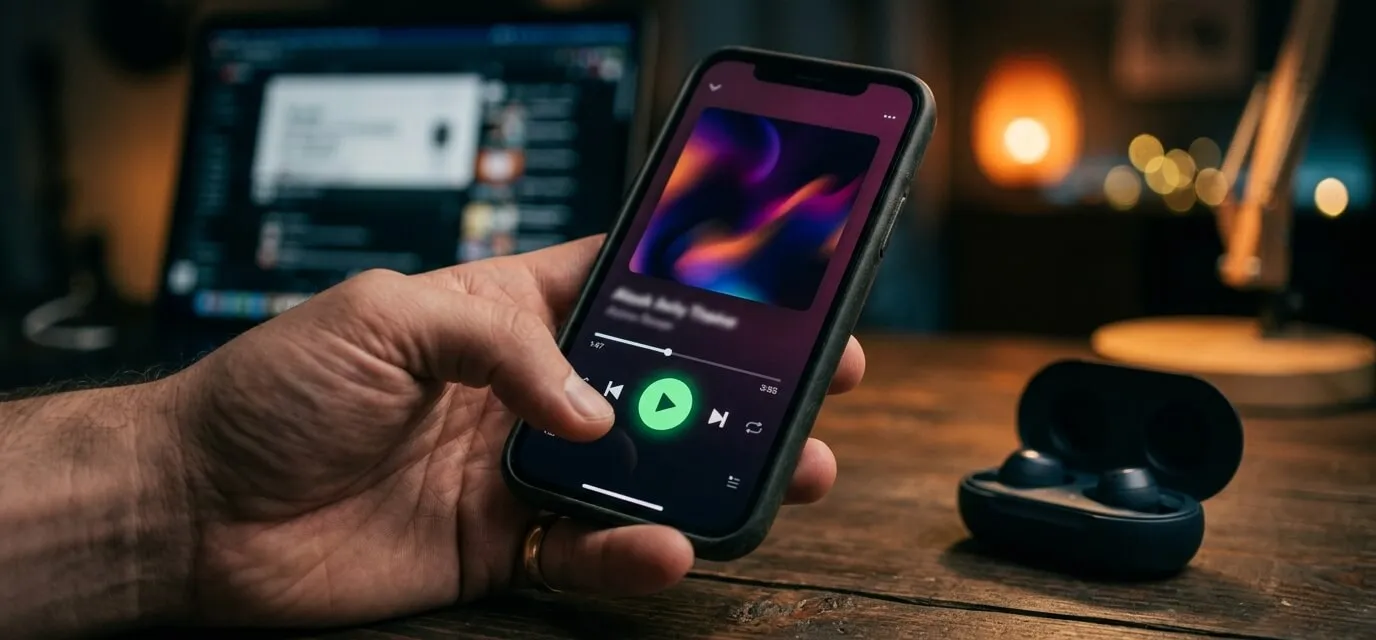
The song's mixed, mastered, and sitting on your hard drive. Getting it onto Spotify is mostly logistics from here — but the order you do things in decides whether release day feels like a moment or a scramble.
You need a distributor, not a direct upload
Spotify doesn't accept uploads from artists directly. You go through a distributor — DistroKid, TuneCore, CD Baby, and Amuse are the common ones — which delivers your song to Spotify, Apple Music, and everywhere else at once. Most charge either a flat annual fee or a per-release fee and let you keep the vast majority of your royalties. Pick one, create an account, and that becomes the hub for every release going forward.
Give yourself real lead time
Rushing a release date is the single most common first-timer mistake. Distributors generally recommend uploading about four weeks before your target date so the song has time to clear every store's system before it goes live. If you want a shot at Spotify's own editorial playlists, that matters even more — pitches go through Spotify for Artists and need to be submitted about a week before release, which is only possible if your release date was already set weeks in advance.
Pick a date, work backward, and treat that four-week window as the actual deadline — not the release date itself.
One setting to check if your song is built on a licensed beat
This is the part most release guides skip because it doesn't apply to them. When you upload through your distributor, there's usually a toggle for Content ID — a system that auto-detects your song's audio elsewhere on the internet, mainly YouTube, and can automatically claim monetization on anything that matches. Leave it off for a song built on a non-exclusive beat lease.
Here's why: the same beat you licensed is also licensed to other artists. If you enable Content ID on your release, it can flag and claim monetization on their songs too — since the underlying instrumental matches — which isn't something you're entitled to do, and it's exactly what your license agreement asks you not to. Distribution itself is completely fine; it's specifically the Content ID matching toggle that needs to stay off.
Distribute normally. Just leave Content ID matching off — that's the one non-obvious step.
Claim your Spotify for Artists profile
Once your first release is live (or sometimes while it's still processing), claim your artist profile on Spotify for Artists. That unlocks your own editorial pitch tool, streaming analytics, and the ability to customize your artist page — none of which happens automatically just because your music is on the platform.
Set up a pre-save
Most distributors generate a free pre-save landing page for each release automatically. Sharing that link before release day lets fans queue the song up so it lands in their library the moment it drops, which gives you a small but real bump in day-one streams instead of releasing into silence.
Quick answers
Do I need an ISRC code myself? No — your distributor assigns one automatically as part of the upload.
Do I have to credit the producer anywhere? Yes — every Hot Tize license asks for reasonable credit in the form "Produced by Hot Tize" on releases and packaging. Most distributors have a dedicated producer credit field during upload.
What if I miss the four-week window? You can still release faster with most distributors — it just narrows or removes your shot at editorial playlist consideration and cuts it closer on store processing time. Not fatal, just tighter.